






Social media is deeper than it looks.
Convosight reads the human story underneath.
From social video signals to fast, evidence-grounded decisions
Aria uncovers what consumers really mean
Persona lets you validate what to do next — before you launch
The world's biggest brands decide with Convosight

















videos watched and analyzed to uncover what consumers are showing, saying and doing
conversations analyzed across categories to reveal behaviors, rituals and emerging trends
channels — Instagram, TikTok, YouTube, Reddit, Facebook, X and more, video plus comments
languages read with multilingual intelligence — every market you sell in
Social media says more than it shows. ARIA reads the human story underneath.
Every scroll carries context: emotion, rituals, intent, and the reasons people choose. Take one ordinary post — and see how much it's actually saying.
one ordinary post — a dad, a phone, an afternoon. A whole story hiding in plain sight.
How much of the story can you read?
Accept the challenge: tap what you notice at first glance, then watch the deeper context ARIA connects
Tap what you notice in the clip
The visible details turn green. The meaning takes a little more context.
Spotting the visible pieces is only the first layer — detailsseenmeaning: hidden
The human story sits underneath —
One afternoon: the crib comes down, a big-kid bed goes up. The day “baby” becomes “kid” — felt with tenderness, captioned never.
Not in one pixel. Not in one spoken word.
Baby brands own “first steps” and “first words.” No brand has named this day — yet parents shop straight through it: the bed, the bedding, the box of outgrown things. Name the milestone, and you own it.
One ordinary post held all of this. Now imagine millions — shared every day, waiting to be understood.
Get insights from millions of social videos to uncover consumer behaviors, needs, rituals, habits, and emerging signals in minutes — JUST ASK
Pick a job — ARIA types the question and answers it from real video, live →
from 1,940 unprompted videos · re-verified
 7.1M views
 2.9M views
 33.9M views
 5.9M views
 3.9M views
 18.4M views
 7.5M views
 17.3M views
 42.5M views
 5.5M views
 12.4M views
 3.6M views
 2.6M views
 11.5M views
 7.3M views
 13.3M views
 1.9M views
 5.1M views
 2.9M views
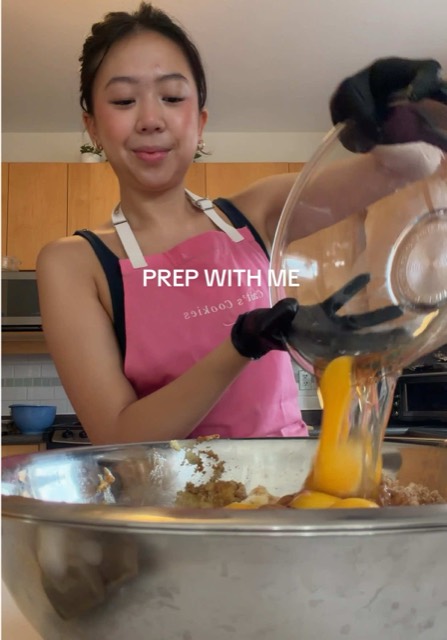 2.7M views
 3.6M views
 3.3M views
 2.9M views
 9.1M views
 1.6M views
 4.9M views
 1.6M views
 2.8M views
 2.5M views
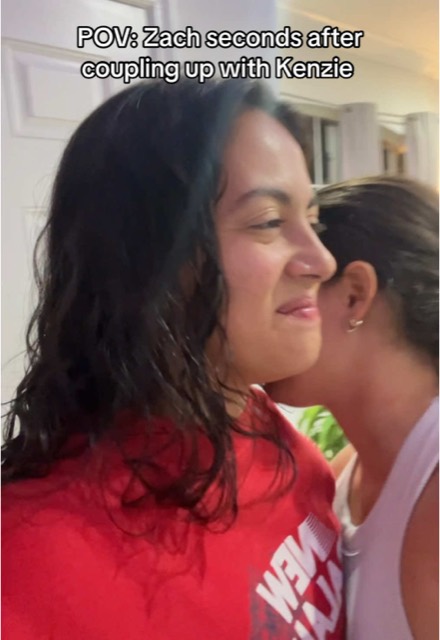 2M views
 1.4M views
 4.5M views
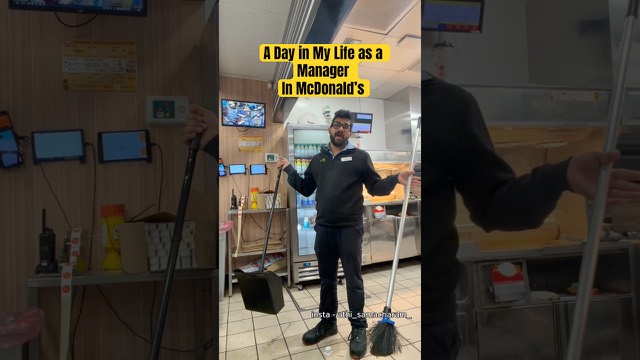 664K views
 529K views
 2M views
 12.7M views
 5.9M views
 2.3M views
 4.5M views
 2M views
 1.7M views
 6.6M views
 775K views
 2.5M views
 4.5M views
 6.5M views
 1.7M views
 1.6M views
 2.2M views7.1M views2.9M views33.9M views5.9M views3.9M views18.4M views7.5M views17.3M views42.5M views5.5M views12.4M views3.6M views2.6M views11.5M views7.3M views13.3M views1.9M views5.1M views2.9M views2.7M views3.6M views3.3M views2.9M views9.1M views1.6M views4.9M views1.6M views2.8M views2.5M views2M views1.4M views4.5M views664K views529K views2M views12.7M views5.9M views2.3M views4.5M views2M views1.7M views6.6M views775K views2.5M views4.5M views6.5M views1.7M views1.6M views2.2M views
Every team asks Aria — in its own words
Brand, marketing, research, innovation, social — each team comes with a different question. Aria answers each one from real video, and surfaces the clips and conversations that matter most to that team.
 Brand & insights · haircare
“We’re losing share in haircare this quarter. I need the real reason — before the business review.”
7.1M views2.9M views33.9M views5.9M views3.9M views18.4M views7.5M views17.3M views42.5M views5.5M views12.4M views3.6M views2.6M views11.5M views7.3M views13.3M views1.9M views5.1M views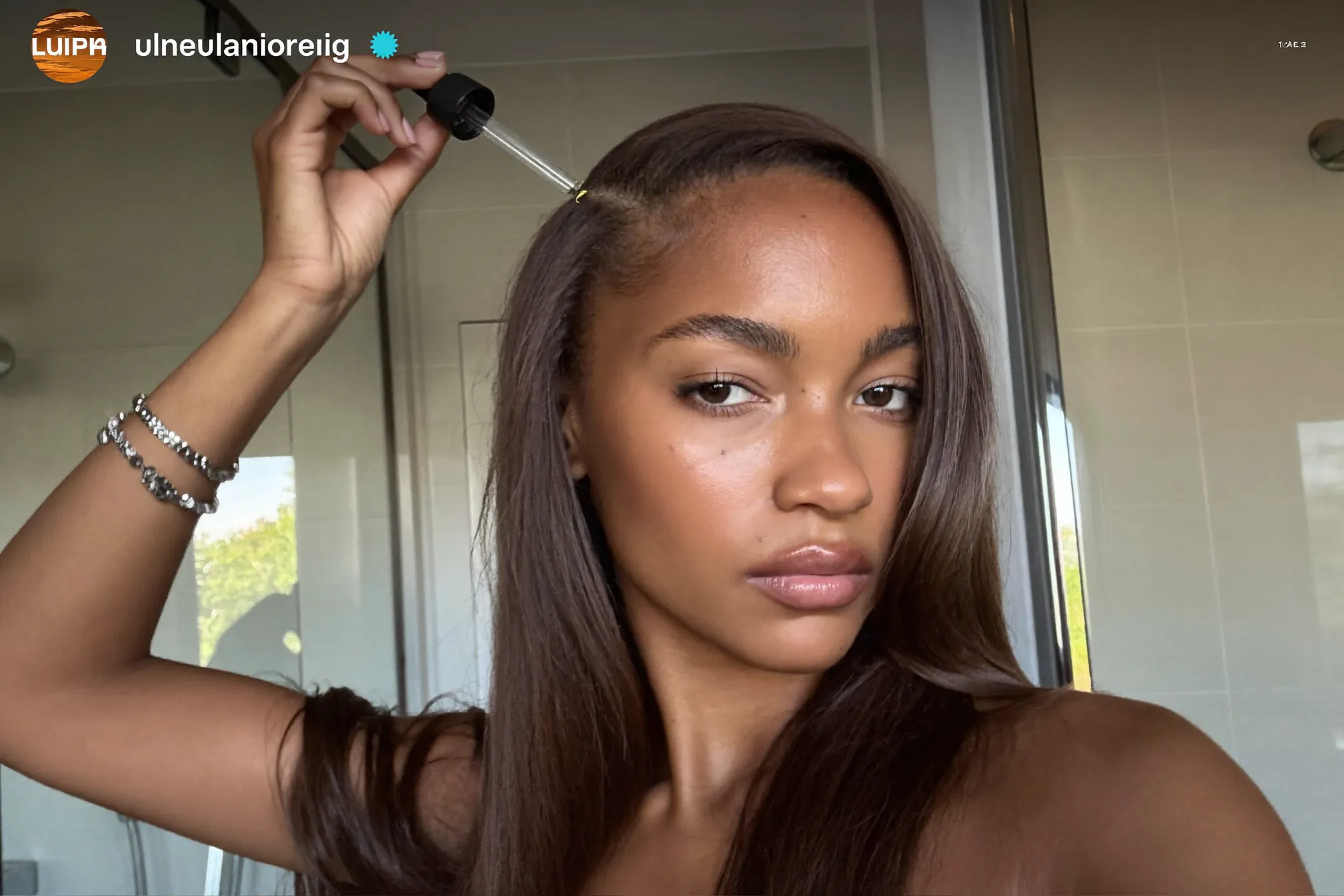 Reel
Reel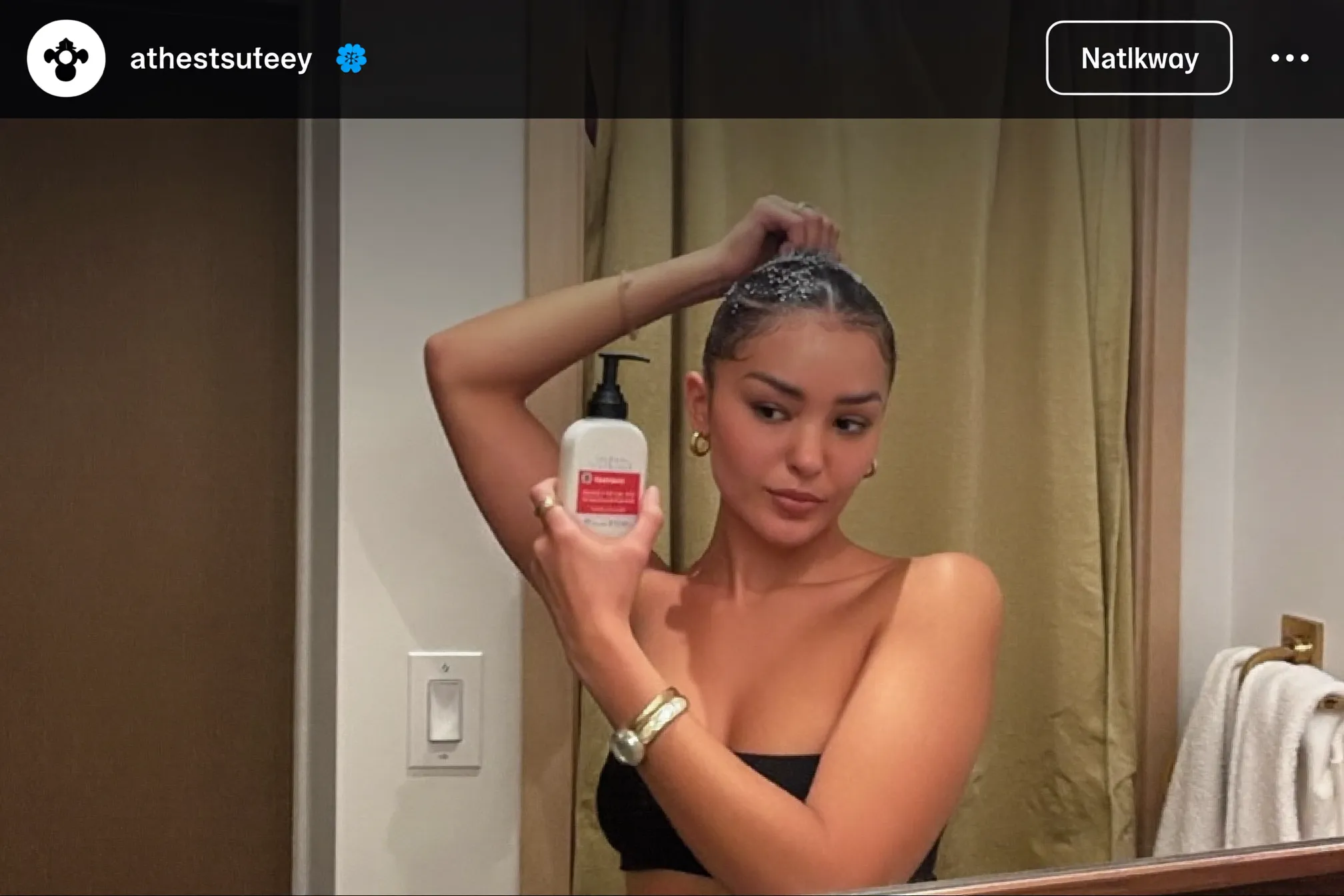 Reel
ReelARIA finds the insight.
Persona helps you test it with your consumer.
Move from discovery to validation in one flow — uncover what matters in social conversations, then pressure-test it with a social digital twin built from those same conversations
ARIA uncovers an insight from millions of conversations
Take the insight to Persona
Pressure-test with a social digital twin built from the same real conversations
 Maya · personaLive
Put your consumer in the room
Persona turns social data into evidence-grounded consumer twins, helping teams pressure-test claims, concepts, and strategy before the next product launch or campaign
Meet Persona →The trust layer · why every answer holds
real people, unprompted
zero synthetic data, zero paid panels
human signals decoded
said · shown · felt · unsaid
channels, read with comments
re-verified, claim by claim
backed by clips, comments, source receipts
Proof in practice, case studies
See how leading brands turn social behavior into product, marketing and innovation decisions
Analyzing 61M engagements to identify winning cast-driven storytelling themes
Read case study →FMCGReimagining JuicesTransforming juice from a beverage to a versatile meal enhancement platform
Read case study →Personal careGlobal Deodorant ShiftsUncovering white space in sustainable and gender-neutral innovation across 3 markets
Read case study →Get your first report free
Share your category, market, or brief, and we'll deliver a tailored report within 48 hours
See what teams using Aria and Persona say

"Convosight has been a game changer for our insights team. Its video and image analytics, paired with the easy-to-use Aria interface, help us uncover trends, campaigns, competitor insights, consumer sentiment and whitespace quickly. The team's 'can do, will make happen' mindset is a real lever in our partnership."

"Convosight has become an invaluable tool for making smarter content and campaign decisions. It helps us uncover authentic conversations, emerging trends and audience sentiment so our plans are more purposeful, relevant and consumer-led — and identify the creators already shaping the conversations that matter most."

"Convosight has been an exceptional tool for real-time insights grounded in what's actually happening on social. It's transformed how we explore trends, surface creators we'd never find through agencies, and profile cohorts — asking about their habits and tensions in a conversational, human way that feels genuinely trustworthy."
Ask your category. Live.
A 30-minute demo on your categories — bring the question that's on your desk this week
Book a demo →Get your first report free
Share your category and the decision on your desk — a tailored, source-linked report lands within 48 hours
Get my free report →